The Design Problem
Social networks are mentally taxing. Sometimes news from around the world is inspiring, other times it is just depressing. Sometimes you want to hear from strangers, other times you just want posts from your closest friends and family. Wanting to pro-actively manage your feed requires a lot of overhead.
The Design Solution
Use a radius to indicate how “big” your circle is today.
Examples
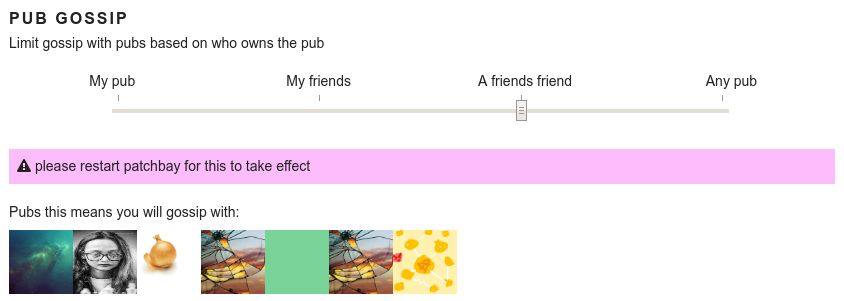 Patchbay presents choices horizontally
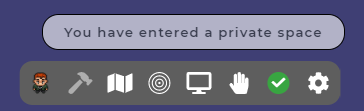 Gathertown radius displayed as a circle
Why Choose Social Radius Slider?
When you have a social network that can be potentially large but doesn’t always need to be. When you are using a protocol that has gossip or federation built-in, and you want to give the user option to participate in smaller common spaces as well as larger ones.
Best Practice: How to Implement Social Radius Slider
Social Radius Slider is a temporary filter and doesn’t have to be persistent. It allows users to control and extend their network as well as to moderate their data consumption.
Potential Problems with Social Radius Slider
Users will expect different behaviors based on a ‘large’ or ‘small’ radius.
Do research on your target user base to understand what the default setting should be, as many users do not change default settings.
The Take Away
Social radius slider helps users control information overload in otherwise large networks.
References & Where to Learn More
Thanks to cinnamon for this idea!