The Design Problem
When wanting to grant access to a resource in a decentralized system, we can’t necessarily depend on a trusted entity. Instead, we use a randomly generated list of numbers and letters, commonly called “keys,” that grant access to resources. A resource could be an account, a group invitation, or a piece of data.
These passwords can be very large, sometimes hundreds of characters. Because of this, it can be difficult to save or share these keys in the physical world.
The Design Solution
The user can save or print a file that can be used to gain access to the resource. The file itself should be easily human readable and printable.
You can use this in conjunction with the QR Code Verification pattern to make it easier to import the codes with the device’s camera.
Examples
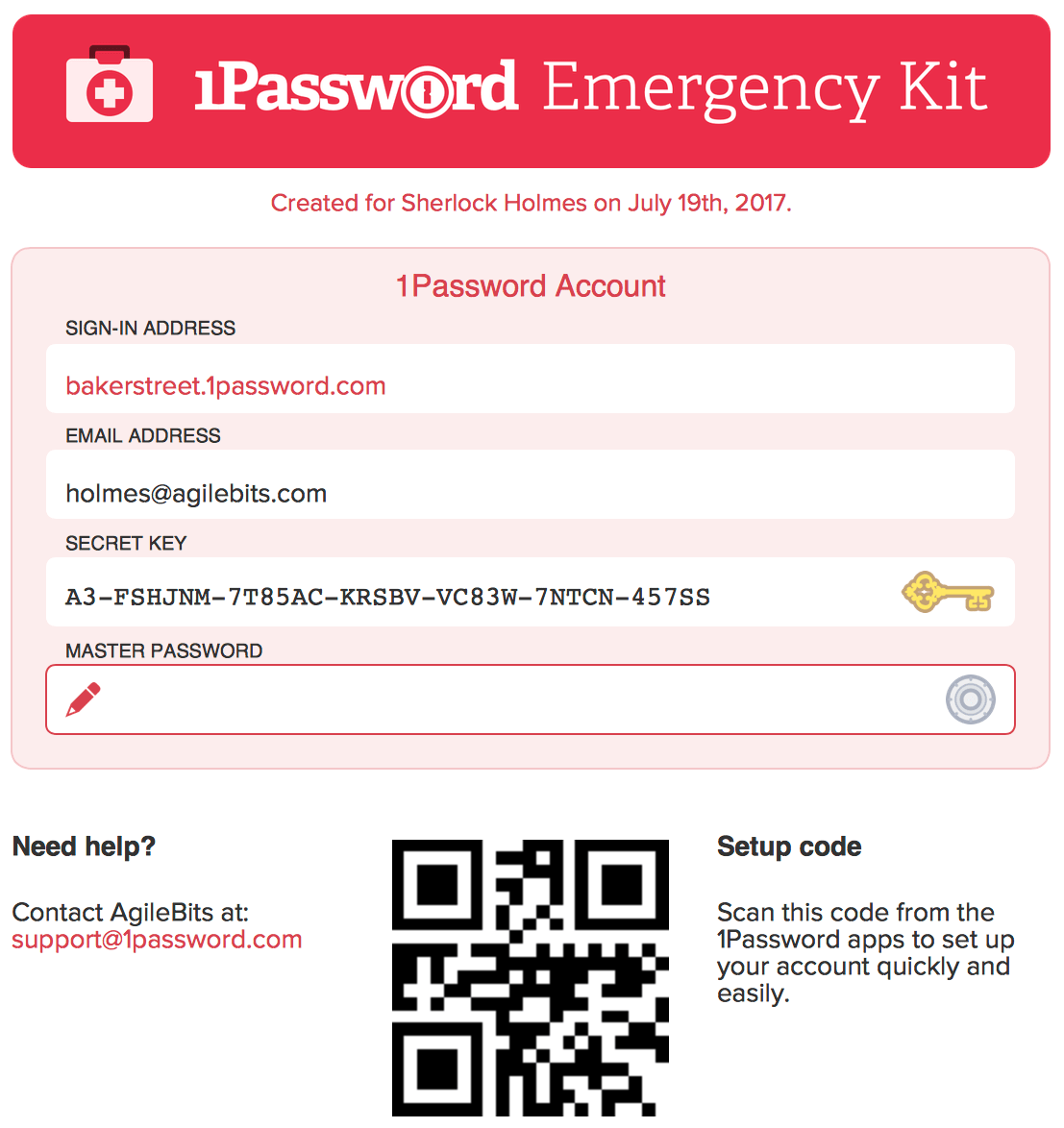 1Password offers an all-in-one ‘Emergency Kit’
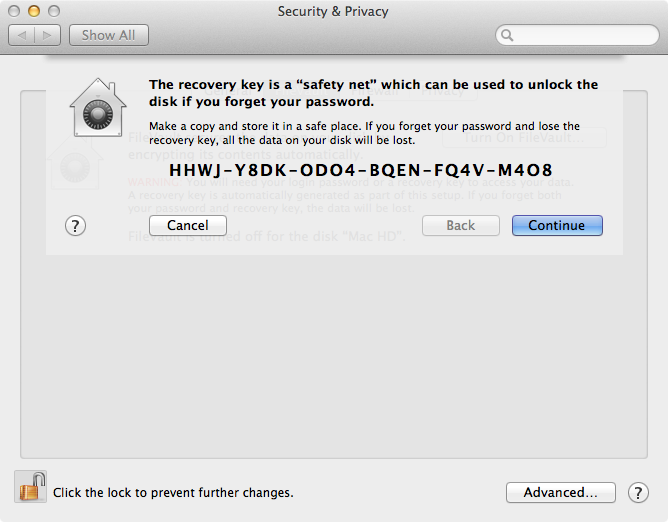 Apple Filevault uses a serial number style key
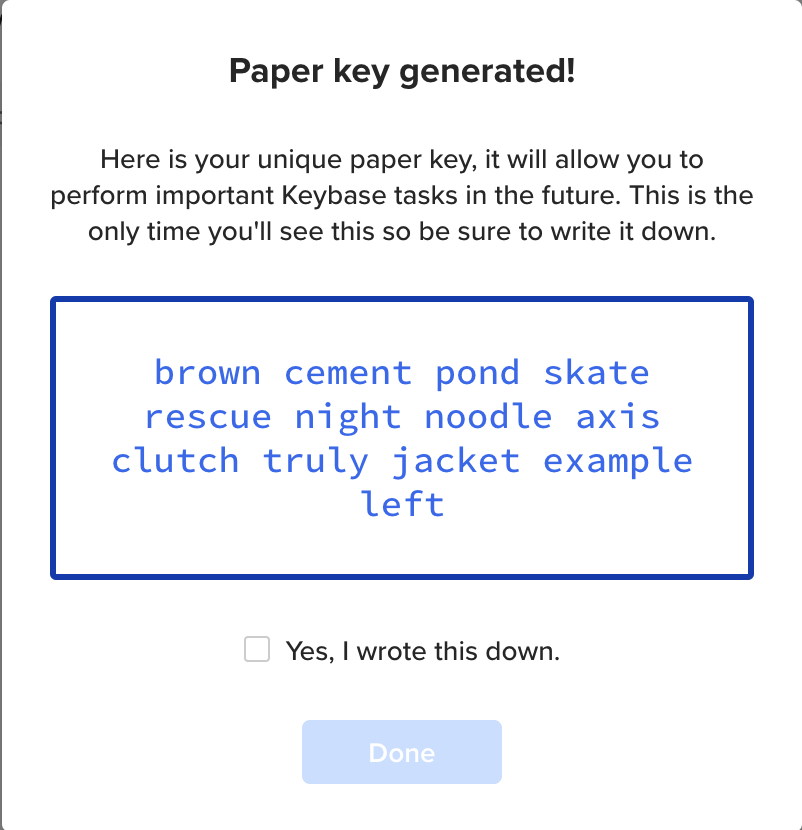 Keybase generates a multiple word passphrase
Why Choose Paper Keys?
Paper Keys is a safe and accessible method to verify, share, or backup information.
Best Practice: How to Implement Paper Keys
It is advisable that users know the risks, and have a secure and organised place to store the keys. Be clear with users that they should print it or save it in a safe backup location in case their device gets lost or stolen.
Potential Problems with Paper Keys
If lost, access to data is potentially lost permanently.
If found by an adversary, it can lead to unauthorized access to data.
The Take Away
Paper Keys provide a simple, accessible way to back up and share access credentials in the physical world, bridging the gap between digital security and everyday usability.
References & Where to Learn More
Projects by IF has outlined a similar design pattern called Recovery Codes.
Investigating the Usability Issues Non-Crypto Savvy Users Encounter When Setting Up Desktop Wallets